Storrito Relay
Turn your mobile phone into a proxy server for Storrito.
Install the Android app
Download the Storrito Relay app from the Google Play Store.
Note: The Relay app is only available for Android. There is no iOS/iPhone version.
Copy your Proxy URL
Open the app on your phone. It will display your full proxy URL, ready to use:
http://550bdfbe-6593-11ed-9d29-6fa309614b56@proxy.storrito.com:9000
Copy it using the Share button or by tapping the URL, then skip straight to step 4.
Construct your proxy URL (older app versions)
Only needed if your app shows a raw UUID instead of the full proxy URL.
Paste the UUID from your Relay app:
Or construct it manually: http://{YOUR-UUID}@proxy.storrito.com:9000
Enter the proxy URL in Storrito
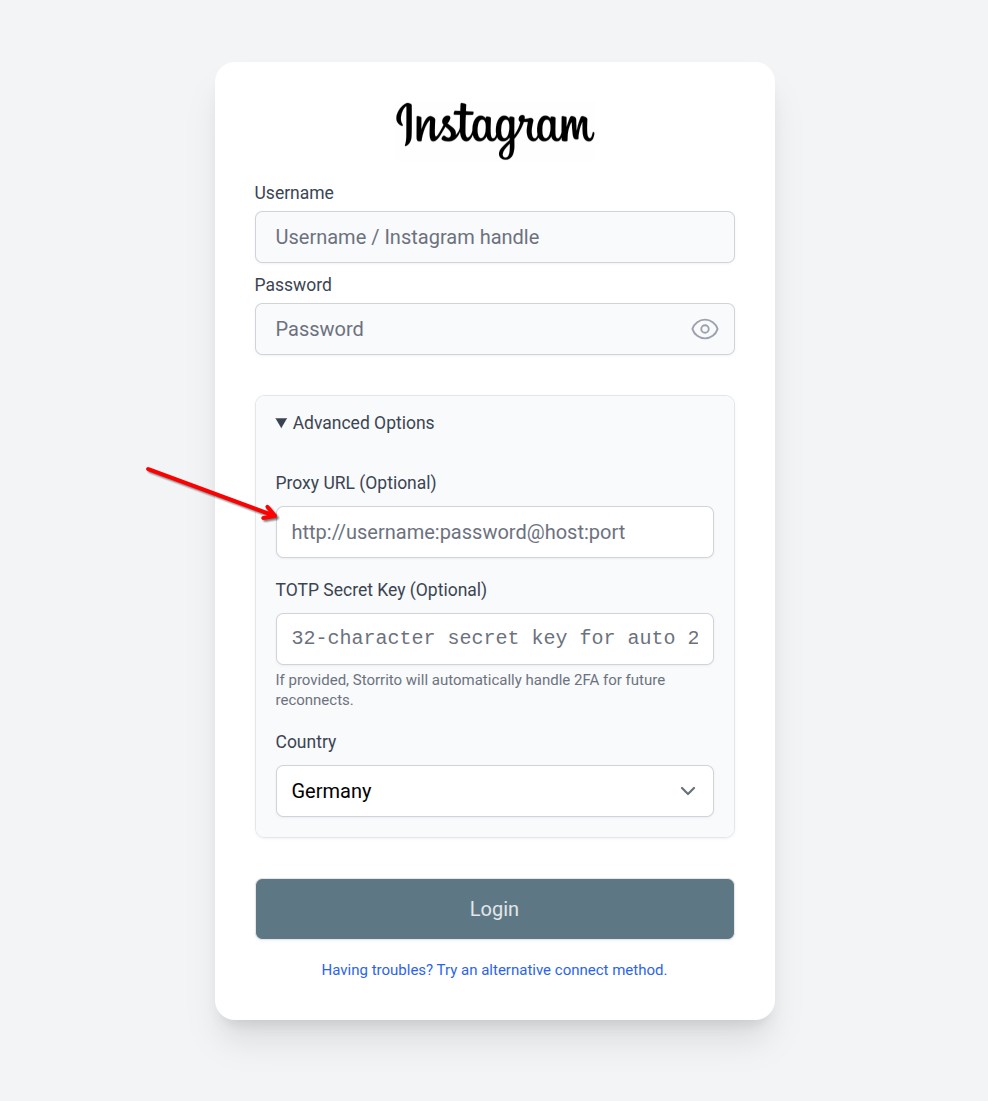
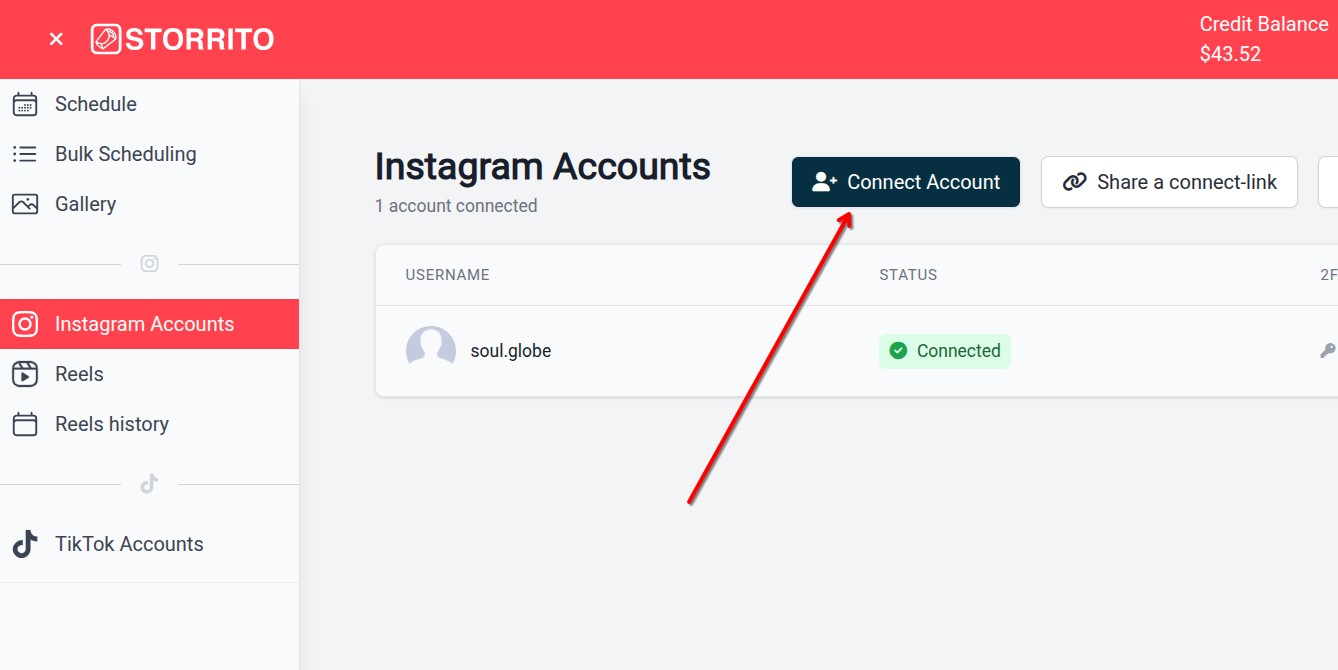
In Storrito, open Instagram Accounts from the sidebar menu and click Connect Account.
Then open Advanced Options and paste your proxy URL into the Proxy URL field.